
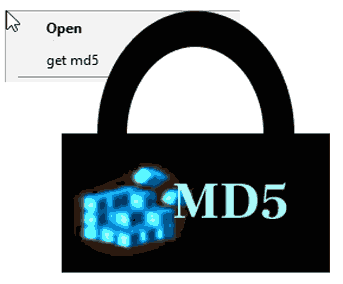
Windows explorer right click context command to get MD5 hash of a file.
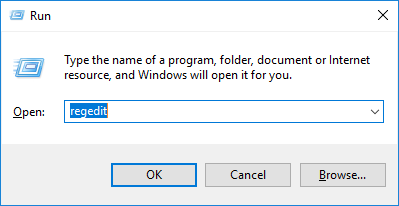
First open Regedit: WIN+R
Oh and by the way before you make changes to registry be sure to know that it is good to be careful. Windows gives this note:
“Using Registry Editor incorrectly can cause serious, system-wide problems that may require you to re-install Windows to correct them. Microsoft cannot guarantee that any problems resulting from the use of Registry Editor can be solved. Use this tool at your own risk.”
Ok, if you are ready to jump in with this in mind, lets make a command to registry for any and all files: *

Select “shell” and give new key

Let’s call it ‘get md5’
then we need to give this new key a key called “Command”

modify that key

Add the scrpt to be launched. (I have the script in this path: “D:\adm\context-comds\checkmd5.ps1”)
Here is the whole value string:
powershell.exe “D:\adm\context-comds\checkmd5.ps1” %1

Here is the contents of that (
checkmd5.ps1 ) script:
$filname=$args[0]
$hash = CertUtil -hashfile "$filname" MD5
echo $hash
echo $hash |clip
PAUSE
This powershell script will calculate the MD5 hash and also copies it to the clipboard.
Also now if you export this registry key, this is how it would look like:
Windows Registry Editor Version 5.00

[HKEY_CLASSES_ROOT\*\shell\get md5]

[HKEY_CLASSES_ROOT\*\shell\get md5\Command]
@="powershell.exe \"D:\\adm\\context-comds\\checkmd5.ps1\" %1"
Exporting and importing is quite convenient especially if you need to migrate these settings to another computer.
Now the command will show up right clicking a file in explorer:

